Picking the right Osaka SIM card or data plan is one of the most important decisions you’ll make before flying to Japan. Translation apps, Google Maps, train route planners, restaurant reservations, ride-hailing, LINE messaging – almost everything you do as a tourist depends on having a stable mobile connection. Free public WiFi exists, but it’s spottier than Japan’s high-tech reputation suggests, and you do not want to be stranded at an unfamiliar transfer station with no signal.
This guide breaks down every connectivity option for travelers visiting Osaka in 2026 – eSIMs, physical SIM cards, pocket WiFi rentals, and free WiFi networks. We’ll compare prices, coverage, ease of use, and which option matches your trip style so you can land at Kansai Airport already online.

The Quick Answer: Which Connectivity Option Should You Pick?
- Solo traveler with a modern phone → Buy an eSIM (Airalo, Sakura Mobile, or Ubigi). Cheapest and easiest.
- Family of 3+ or group → Rent a pocket WiFi at Kansai Airport or pre-shipped to your hotel. Cost-per-person drops dramatically.
- Older phone (no eSIM support) → Order a physical SIM card in advance from Sakura Mobile, Mobal, or Japan Wireless.
- Budget traveler doing a 1–2 day stopover → Lean on free WiFi at convenience stores, stations, and hotels with a small backup eSIM data pack.
- Need a Japanese phone number (Airbnb verification, restaurant reservations) → Mobal is the only option that includes one.
Why You’ll Need Mobile Data in Osaka
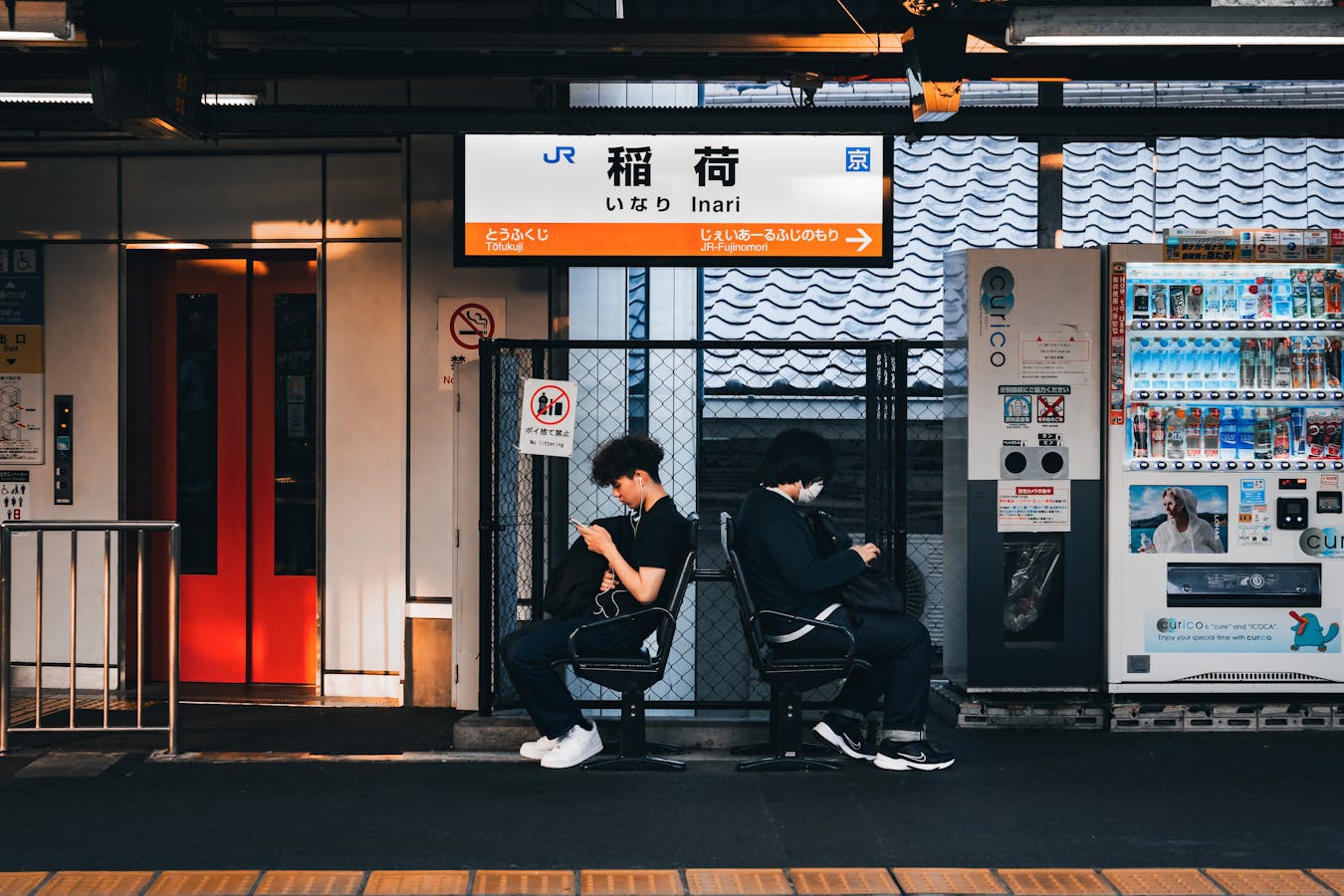
It’s tempting to think you can survive on free WiFi alone. Don’t. Travelers in Japan use far more data than they expect because the country’s signage, menus, and transit systems push you onto your phone constantly:
- Google Translate camera mode – Used dozens of times a day at restaurants, train stations, and pharmacies.
- Google Maps – Osaka’s underground transit system has 8+ subway lines and JR loops layered on top. Offline maps don’t reliably show train schedules.
- Navitime / Japan Travel by Navitime – The standard app for live train timetables and platform numbers.
- LINE – The default messaging app in Japan, used by hotels, taxi services, and tour operators.
- Tabelog and Google reviews – Restaurant decisions on the fly.
Plan for at least 500 MB to 1 GB per day of mobile data. Heavy users (video calls, streaming, social media uploads) need 2 GB+ daily.
Option 1: eSIM for Osaka (Recommended for Most Travelers)
An eSIM is a digital SIM that activates with a QR code – no physical card, no shipping, no airport pickup. If you have an iPhone XS or newer, a Pixel 3 or newer, or a recent Samsung Galaxy, your phone supports eSIM. Buy it before you fly, scan the QR code in your hotel WiFi the night before, and toggle it on the moment your plane lands at KIX.
Best eSIM Providers for Osaka in 2026
- Sakura Mobile eSIM – Tops most “best for Kansai” rankings. Unlimited 4G/5G data on the SoftBank network, full English support, plans from around ¥3,500 for 7 days. Reliable for both Osaka and rural Kansai day trips (Mt. Koya, Wakayama).
- Airalo Moshi Moshi eSIM – The most popular international eSIM brand. Plans from $4.50 for 1 GB to $26 for 20 GB across 30 days. Best for travelers who hop between countries and want one app for everything. Uses SoftBank.
- Ubigi Japan eSIM – Strong daily/short-trip pricing, 1 GB plans from $3 and 10 GB from $19. Easy install on iPhone. Uses SoftBank/KDDI.
- Holafly Unlimited Japan – Truly unlimited (with fair-use throttling). 7-day plan around $34, 30 days around $84. The right pick if you stream or use heavy video calls.
- Sim Local Japan – Unlimited data on the AU (KDDI) network. Solid coverage in Osaka, Kyoto, and Sapporo.
How eSIM Works on Your iPhone
- Buy the eSIM online before your flight. Most providers email you the QR code within minutes.
- While still on home WiFi, go to Settings > Cellular > Add eSIM > Use QR Code.
- Label the line “Japan” so it’s easy to switch on/off.
- Set the Japan eSIM as your Cellular Data line and disable data roaming on your home line. This avoids surprise carrier charges.
- On arrival, toggle the Japan eSIM on. Most activate within 1–2 minutes of landing.
eSIM Pros and Cons
Pros: No shipping, no airport queue, instant activation, often the cheapest per-GB. Keep your home phone number for SMS verification by switching the home line to “Wi-Fi only.”
Cons: Older phones (pre-2018 most models) don’t support eSIM. Some carrier-locked phones from the U.S. and Canada also block eSIM use – check before buying.
Option 2: Physical SIM Card
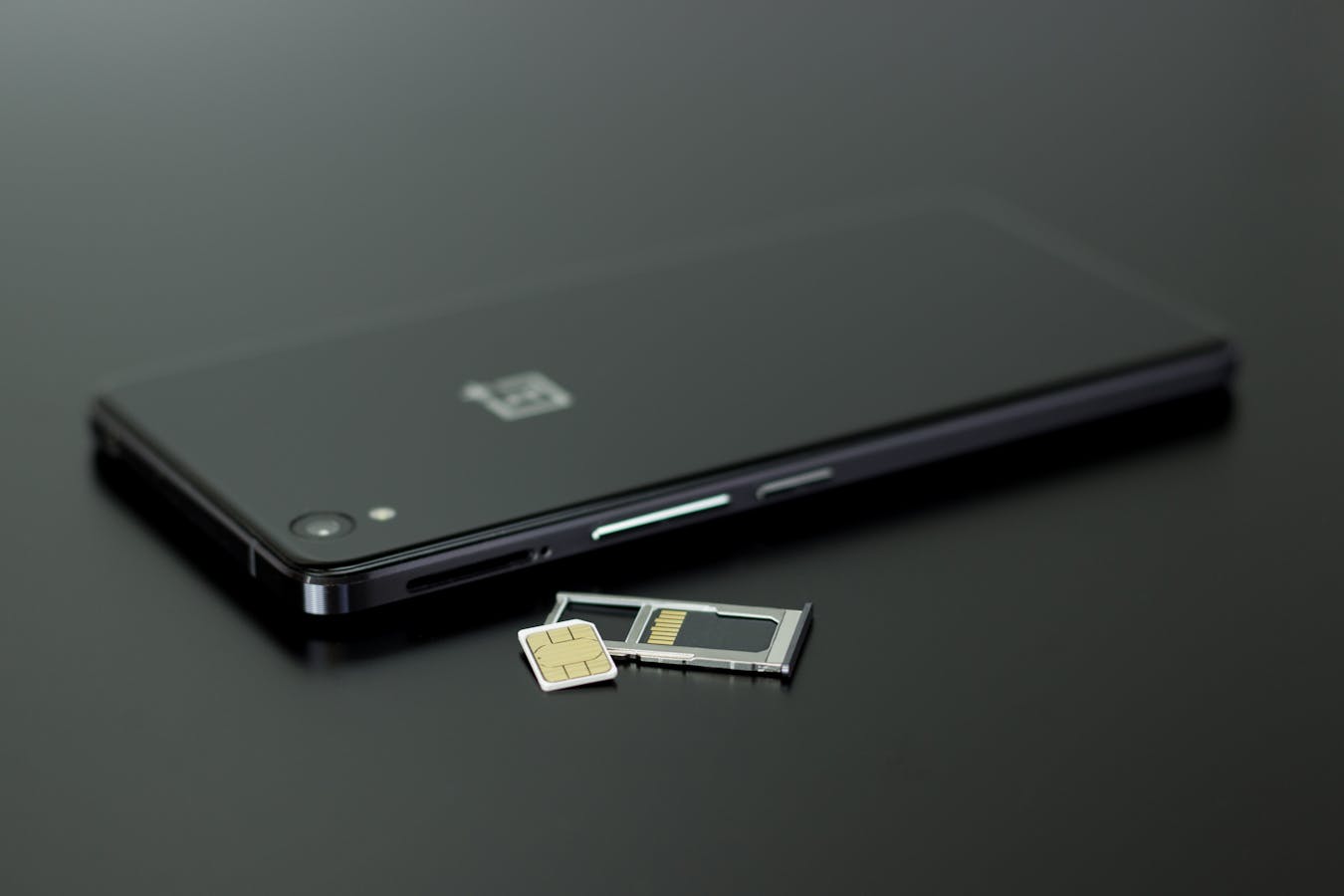
Physical SIM cards remain a strong option if your phone doesn’t support eSIM. You can either order a SIM in advance and have it mailed to your hotel or home, or pick one up at Kansai Airport vending machines and counters.
Where to Buy a Physical SIM in Osaka
- Kansai International Airport – Vending machines and staffed counters in the arrivals hall. Brands include Mobal, b-mobile, IIJmio, and Sakura Mobile. Plans from around ¥1,500 for 8 days of data.
- Bic Camera and Yodobashi Camera in Umeda or Namba – Wide selection of prepaid travel SIMs. Better prices than the airport.
- 7-Eleven and FamilyMart – Some convenience stores carry CMobile or Japan Travel SIMs. Smaller selection.
- Pre-order online – Sakura Mobile and Mobal will ship a SIM to your overseas address (or to your Osaka hotel for free in many cases).
Phone Number SIM (Mobal)
If you need a real Japanese phone number – for restaurant reservations, Airbnb host verification, or ride-hailing apps that require local SMS – Mobal is the standard. They offer prepaid voice + data SIMs starting around ¥3,300 for 16 days, with a Japanese phone number for the duration. Most other tourist SIMs are data-only.
Option 3: Pocket WiFi Rental
A pocket WiFi (also called “MiFi”) is a portable router about the size of a deck of cards that creates a private WiFi network for up to 10 devices. It’s the best option for groups of 2 or more, families, or travelers carrying laptops, tablets, and a phone.
How Pocket WiFi Works
- Reserve online before flying (cheaper) – Japan Wireless, Ninja WiFi, Sakura Mobile, CDJapan Rental, Genki Mobile.
- Pick up at the Kansai Airport rental counter, or have the device shipped to your hotel.
- Use the included USB charger – pocket WiFi batteries last 6–10 hours, so charge it nightly.
- At the end of your trip, drop it in the prepaid envelope at any post office or back at the airport counter.
Pocket WiFi Pricing
Pocket WiFi runs around ¥600–¥1,000 per day for unlimited data on a 4G/5G network. For two people, that’s ¥300–¥500 per person per day – roughly the same as an eSIM. For a family of four, the per-person cost drops to ¥150–¥250, making it the clear winner.
Pocket WiFi Pros and Cons
Pros: Unlimited data with no fair-use throttling on most plans, multiple devices on one connection, works with any phone (no eSIM compatibility issues), the cheapest option for groups.
Cons: One more device to charge and carry. If you forget it at the hotel, your group is offline for the day. Lose it and you may face a replacement fee of ¥10,000+.
Option 4: Free WiFi in Osaka

Osaka has decent free WiFi infrastructure, but it isn’t omnipresent. Plan to use it as a supplement to a paid plan, not a replacement. Key spots:
- Osaka Free Wi-Fi – City-run network covering Umeda, Namba, Tennoji, and Osaka Castle Park. Register once with your email; valid for 1 hour, reusable.
- Subway and JR stations – Most Osaka Metro and JR West stations broadcast free WiFi via “OSAKA_SUBWAY_FREE_Wi-Fi” or “JR-West_FREE_Wi-Fi.” Sign-in required.
- 7-Eleven, Lawson, FamilyMart – All three convenience-store chains offer free WiFi inside their stores.
- Starbucks, Tully’s, Doutor – Café chains all offer reliable free WiFi for the price of a coffee.
- Hotels – Almost universal in Osaka, even at budget capsule hotels and hostels.
- Department stores – Daimaru, Hankyu, and Takashimaya in Umeda all have free WiFi on shopping floors.
The Japan Connected-free Wi-Fi app (free on iOS/Android) auto-connects you to most of these networks without re-entering credentials each time.
Coverage and Network Quality in Osaka
Osaka has full 4G coverage everywhere a tourist will reasonably go and 5G in central Umeda, Namba, and around the Bay area. The four major Japanese carriers each have their strengths:
- NTT Docomo – The widest national coverage. Best if you’re heading out to Mt. Koya, Wakayama, or rural day trips.
- SoftBank – Strong in cities. Most international eSIMs (Airalo, Ubigi) ride this network.
- KDDI/au – Excellent in Kansai. Sim Local and some Sakura plans use this.
- Rakuten Mobile – Newest network, weakest rural coverage. Generally not used by tourist eSIMs.
For pure city-only Osaka stays, all four networks perform similarly. If your trip includes Mt. Koya, Kumano Kodo, or other rural Kansai areas, lean toward Docomo or KDDI-backed plans.
Side-by-Side: eSIM vs. Physical SIM vs. Pocket WiFi
| Factor | eSIM | Physical SIM | Pocket WiFi |
|---|---|---|---|
| Setup time | 5 min (QR scan) | 10 min (insert + APN) | Pickup at airport |
| Cost (7 days, ~5GB) | $15–25 | ¥3,000–4,500 | ¥4,200–7,000 |
| Data cap | 5–unlimited | 5–unlimited | Usually unlimited |
| Devices supported | 1 phone | 1 phone | 5–10 devices |
| Phone number | Data-only (most) | Mobal includes one | Data-only |
| Best for | Solo travelers | Older phones | Groups + families |
Tips to Stretch Your Mobile Data in Osaka
- Download offline Google Maps for the entire Kansai region before you fly. The map still loads even if you’re momentarily offline; only live routing needs data.
- Pre-translate menus with Google Translate’s offline Japanese language pack. The camera mode works without a connection.
- Cache attractions in Wikipedia by browsing while still on hotel WiFi.
- Disable auto-play video in YouTube, Instagram, TikTok, and X. These apps account for the majority of unexpected data spikes.
- Use Google Photos backup over WiFi only. A 200-photo day will quietly burn 2 GB if cellular backup is on.
- Top up before you run out. Most eSIM providers let you add data in their app within 60 seconds.
What to Avoid
- International roaming on your home plan. Even “Japan day passes” from U.S. carriers run $10–12/day with throttled speeds. eSIM is almost always cheaper and faster.
- Buying a SIM at the airport without checking online prices first. Airport vendors mark up 30–50% versus pre-shipped or eSIM equivalents.
- Forgetting to set the eSIM as your data line. If your home line stays default, you’ll roam at home-carrier rates by mistake.
- Counting on free WiFi alone. It works in cities but fails when you most need it – on the train, at a small ramen counter, or near a less-touristed shrine.
Osaka SIM and WiFi: Quick FAQ
Can I buy an Osaka SIM card at Kansai Airport?
Yes. Kansai International Airport has staffed counters and SIM vending machines in the arrivals hall (after immigration). Major brands include Mobal, Sakura Mobile, IIJmio, and b-mobile. Pre-ordering online is usually 20–30% cheaper.
How much data do I need for a week in Osaka?
Most travelers use 3–5 GB over a week of normal use (maps, translation, messaging, occasional photo backup). Heavy users uploading reels or video-calling daily should plan on 7–10 GB. If unsure, an unlimited eSIM (Holafly, Sakura Unlimited) removes the math.
Does my Suica/ICOCA work as a SIM?
No. ICOCA and Suica are transit and payment IC cards, not mobile SIMs. They tap to pay at gates and shops but provide no data connectivity. You still need a separate SIM, eSIM, or pocket WiFi.
Can I use eSIM if my phone is carrier-locked?
It depends on the carrier. Most U.S. iPhones from the last few years are unlocked or accept eSIM travel data even when locked. Check by going to Settings > General > About > Network Provider Lock on iOS, or by trying to add a test eSIM. If blocked, a physical SIM or pocket WiFi is your fallback.
Is free WiFi enough for a 1–2 day Osaka stopover?
Possibly, if you stay near transit hubs and use the Japan Connected-free Wi-Fi app to chain networks. But it’s risky – between stations, on the subway platforms underground, and in older neighborhoods, you’ll lose signal at exactly the wrong moment. Even a $5 1-day eSIM is worth the peace of mind.
Plan the Rest of Your Osaka Trip
Now that you’ve sorted connectivity, line up the rest of your prep. Read our Ultimate Osaka Travel Guide for the master overview, then dial in the details with our guides on first-time visitor tips, Kansai Airport transfers, and trip cost breakdown. A connected phone, a charged ICOCA card, and an organized itinerary – that’s the trifecta of a smooth Osaka trip.